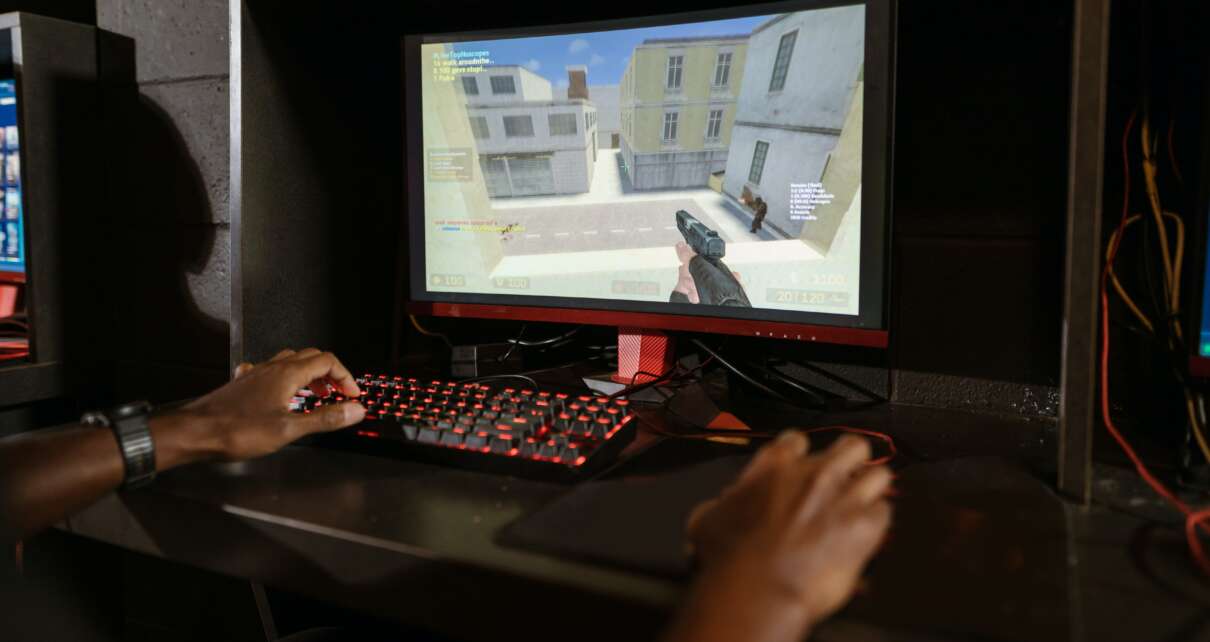
Are you ready to take your Counter-Strike gaming to the next level? Streaming Counter-Strike is an exciting and rewarding experience that allows you to share your gaming experiences with others. Becoming a successful streamer, however, requires technical prowess, strategic knowledge of the game, and a commitment to practice. This step-by-step guide will help you get started streaming with ease by providing all the tips and tricks needed for success. From selecting the right hardware and software to optimizing your lighting setup and mastering the basics of Counter-Strike, this guide has all the information you need to start streaming like a pro gamer! So let’s get started and join the world of live streaming!
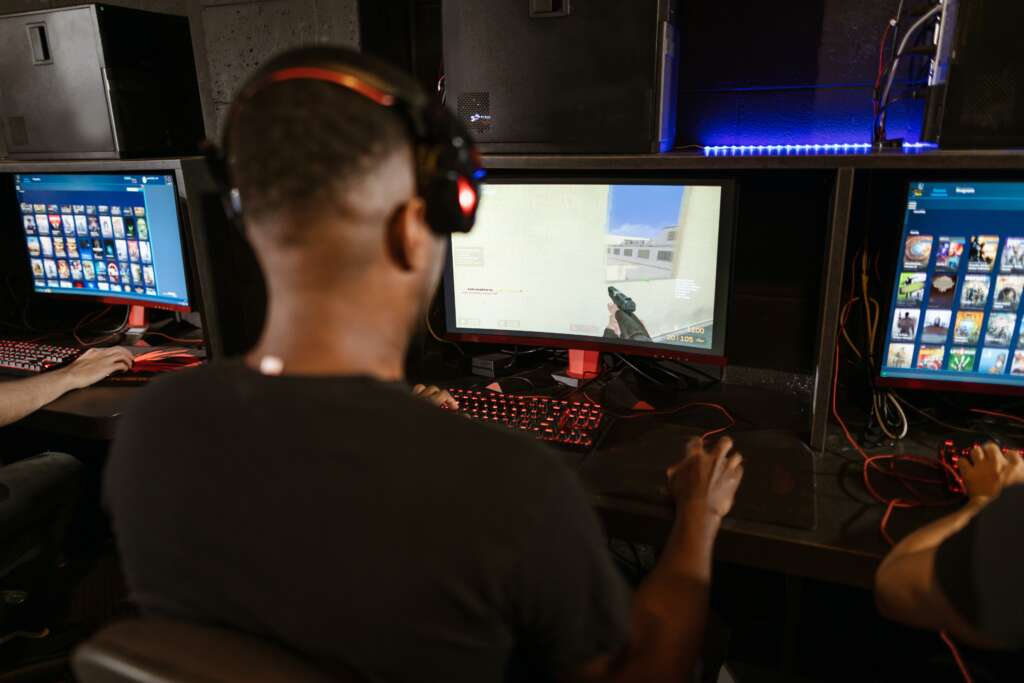
What is Counter-Strike?
Counter-Strike is one of the most popular video games in the world, with players spending hours perfecting their skills and competing against each other. It’s a first-person shooter game where two teams – the Terrorists and Counter-Terrorists – battle it out to achieve objectives such as planting or defusing bombs, rescuing hostages, and eliminating enemy players. The game has been around since 1999 and has gone through multiple iterations over the years. Counter-Strike requires quick reflexes, strategic thinking, communication between teammates, and excellent mastery of game mechanics. With its intense action and challenging objectives, it’s no wonder why this classic game continues to be so popular with gamers today!
Counter-Strike has stood the test of time, providing gamers with endless hours of thrilling and intense gameplay. If you’re looking to take your Counter-Strike gaming to the next level, learn how streaming can benefit you in the next section!
Benefits of Streaming Your Counter-Strike Gaming
Streaming your Counter-Strike gaming can be an incredibly rewarding and valuable experience. Not only will you be able to share your gaming content with the world, but you’ll also be able to interact with viewers in real-time and gain feedback on your gaming skills. Additionally, streaming online can open up opportunities for sponsorships that can lead to financial rewards and a larger fanbase.
When it comes to streaming Counter-Strike, having the right setup is essential. This includes having a good graphics card, a stable internet connection, quality audio, and an appropriate frame rate. You may also want to invest in streaming software as well as a game recorder or capture card if you’re looking for more professional results. As for setting up a green screen backdrop to make sure your images are clear and crisp on stream? That’s entirely optional!
Finally, don’t forget that practice makes perfect when it comes to mastering any game — including Counter-Strike! Spend some time familiarizing yourself with the game settings and tutorials so that you have a better understanding of how the game works before you start broadcasting. With preparation and dedication, you’ll soon become an expert at streaming your favorite games like Counter-Strike!
Setting Up Your Equipment for Streaming
When it comes to streaming your Counter-Strike gaming, having the right setup is essential. First and foremost, you’ll need a good graphics card and a stable internet connection. You should also invest in quality audio equipment to ensure that the audio quality of your stream is crystal clear. Additionally, you’ll need an appropriate frame rate so that your images appear smooth on stream. Lastly, make sure you’ve got the right streaming software installed as well as a game recorder or capture card if you’re looking for professional results. With all of these components in place, you’re ready to start streaming!
With the right setup and components, you can create a high-quality Counter-Strike streaming experience for your viewers. Now it’s time to take it one step further and choose an outstanding graphics card for your stream – stay tuned to find out more!
Choosing a Good Graphics Card
Choosing the right graphics card for your Counter-Strike streaming is essential for creating a high-quality experience for your viewers. Graphics cards are responsible for rendering the images in your game, so investing in one that can handle the higher resolution and frame rate needed for an intense gaming session is vital. When choosing a graphics card, look at its core clock speed, memory bandwidth, and other features such as multiple monitor support and 4K resolution support. You should also consider any specialized features such as Nvidia’s G-Sync or AMD’s FreeSync technology. Additionally, factor in how much power you’ll need to run your games smoothly on stream – this will help you decide which graphics card best suits your needs. With these points taken into consideration, you’re sure to find the perfect graphics card to match your streaming setup!
Selecting the Right Audio Quality
Selecting the right audio quality for your Counter-Strike streaming is essential for providing an engaging and immersive experience for your viewers. Audio quality often goes overlooked, but it plays a major role in creating an enjoyable streaming session. When selecting audio equipment, make sure to pick one with a wide frequency range and low noise floor so that you can capture every sound effect in your game. You should also consider investing in a good microphone that offers crisp sounds without any background noise or static interference. With the right audio gear, you’ll be able to create an immersive gaming atmosphere that will have your viewers wanting more from each gaming session!
Choosing a Suitable Game Recorder
Finding the right game recorder for your Counter-Strike streaming experience is key to creating quality content. The most important factor to consider when selecting a game recorder is the frame rate, as this will determine how smoothly your videos will play. A higher frame rate results in smoother visuals, so make sure to pick a device that can capture at least 60 frames per second. Additionally, you should ensure that your device can capture your gaming footage without any lag or stuttering.
Lastly, if you play games on different consoles like Nintendo Switch or Xbox One, you should make sure to choose a game recorder that’s compatible with them all. With the right game recorder in hand, you’ll be able to create stunning gaming videos and capture all of your favorite gaming moments!
Determining the Best Frame Rate for Streams
When it comes to streaming your Counter-Strike gaming experience, choosing the right frame rate can make all the difference. The frame rate, or frames per second (FPS), is a measure of how quickly your game footage is captured and displayed on the screen. Generally speaking, a higher FPS will provide smoother visuals and faster action on-screen, while a lower FPS may result in choppy or laggy images.
To get the most out of your streaming sessions, you should aim for at least 60 FPS when streaming. This ensures that viewers don’t miss any important details from your gaming sessions and enjoy maximum clarity with their viewing experience. Additionally, if you stream at a higher resolution than 1080p (e.g., 4K), you may need even higher frame rates to maintain smooth motion throughout your streams. With the right settings in place, you’ll be able to deliver top-notch streaming content that viewers won’t soon forget!
Creating an Optimal Streaming Environment
Creating an optimal streaming environment is essential for those looking to take their gaming experience to the next level. To ensure the best possible streaming experience, start by investing in quality audio and video equipment such as a graphics card, game recorder, and a high-resolution monitor or television. Additionally, consider purchasing gaming headsets, a gaming mouse, and a laptop specifically designed for gaming. Once you’ve got your hardware taken care of, it’s time to set up your streaming software.
Research different streaming platforms and decide which one works best for your content and audience. Don’t forget to tailor your game settings to match the streaming service you’re using—for example, some services may require higher frame rates than others. Last but not least, add props or use a green screen setup to make your streams even more visually interesting! With all of these elements in place, you’ll be ready to take full advantage of all that streaming has to offer—happy gaming!
A great streaming setup is key to taking your gaming experience to the next level. With a few simple steps and some quality equipment, you’re ready to show off your talents on the virtual stage. But why stop there? Get creative by setting up a green screen for added professionalism and flexibility in backdrops!

Setting Up a Green Screen for Professionalism and Flexibility in Backdrops
Setting up a green screen can help boost the professionalism of your streaming setup and provide you with greater flexibility in backdrops. To get started, it is important to find a good green screen backdrop that will not be affected by lighting conditions or other factors. You should also make sure that the backdrop is large enough to fit the area where you plan to stream.
After setting up your green screen, adjust the lighting conditions in the room and ensure that there are no shadows cast on it. When ready, launch your favorite streaming software and enable the “chroma-key” feature for a more professional look. With this feature enabled, anything filmed in front of the green screen will have any color replaced with whatever background you choose! Setting up a green screen will add visual interest to your streams and impress viewers with your creativity—so don’t hesitate to give it a try.
Optimizing Your Lighting Setup to Improve Visual Quality of Streams
Good lighting is essential for any streamer looking to level up their streaming experience. The right lighting setup can help to set the mood, create a professional look for your broadcast, and increase the visual quality of your streams. To get the most out of your lighting setup, start by determining what type of light you need to create the desired effect. Natural light is usually best, but if natural light is not available you can use artificial lighting such as LED strips or floodlights. Once you’ve determined the type of lighting that works best for you, experiment with different angles and intensities to find what looks best on camera.
Additionally, using a diffuser will help to soften harsh shadows that are created when using direct lighting sources. With these guidelines in mind, you should be able to optimize your lighting setup and improve the overall visual quality of your streams.
Utilizing the Right Streaming Software to Enhance the User Experience
One of the most important aspects of streaming is having the right streaming software for your computer. Choosing the right streaming software can drastically improve your user experience and make your streams smoother, more stable, and more enjoyable. When looking for streaming software to use, research the different options available to you and determine which one best suits your needs. Consider features such as video resolution, audio quality, frame rate options, and compatibility with other platforms.
Additionally, make sure that the streaming software you choose is compatible with any hardware or devices that you may want to use during your stream. Once you’ve chosen the right software, familiarize yourself with its features so that you can get the most out of it while streaming. Utilizing the right streaming software can help to enhance your user experience and make your streams more enjoyable for everyone involved.
Exploring Different Streaming Platforms to Reach More Viewers
Streaming platforms have become increasingly popular among gamers and content creators in recent years. With the widespread availability of high-speed internet access, it has become easier than ever to broadcast your gaming sessions and share them with an online audience. Exploring different streaming platforms can help you reach a wider audience and increase your viewership. Popular streaming platforms such as Twitch, YouTube Gaming, Mixer, and Facebook Live all offer unique features that can help attract viewers to your streams. Be sure to research each platform thoroughly to determine which one will work best for you.
Additionally, consider factors such as user interface design, ease of use, available features, payment options, community support, and engagement tools when deciding which streaming platform is right for you. By exploring different streaming platforms you can expand your reach and build a larger following of viewers who will enjoy watching your gaming content.
Twitch vs YouTube Live vs Facebook Gaming vs Mixer, etc.
In today’s digital age, streaming platforms have become incredibly popular among gamers and content creators. With so many different streaming services available, it can be difficult to decide which one is right for you. Twitch and YouTube Live are two of the most popular streaming services with millions of viewers worldwide. Twitch offers a wide array of features such as broadcasting in real-time and multiple chat rooms.
YouTube Live on the other hand offers a more straightforward approach with an intuitive user interface and the ability to upload pre-recorded videos. Facebook Gaming allows streamers to connect and interact with their followers directly from the platform while Mixer provides a unique social experience with interactive gaming opportunities and exclusive rewards for viewers. Ultimately, each platform has its advantages and disadvantages, so be sure to do your research before committing to one service over another.
Choosing the right streaming platform is an important decision for any content creator. With so many options available, it can be difficult to decide which one is best for you. Weighing the pros and cons of each platform is essential to make sure you get the most out of your streaming experience. Ready to take your game up a notch? Next, learn how to play Counter-Strike like a pro gamer!
Learning How to Play Counter-Strike Like a Pro Gamer
Counter-Strike (CS) is one of the most popular shooter video games in the world, with millions of players worldwide. As such, learning how to play CS like a pro can be incredibly rewarding and challenging. To become a pro-CS player, you’ll need to upgrade your hardware, including your graphics card and audio quality settings. Additionally, you’ll want to make sure your frame rate is as high as possible for optimal gaming performance. You may also consider investing in a green screen or game recorder to capture footage from your gaming sessions.
Once your hardware setup is complete, it’s time to start honing your skills! Research game settings and tutorials online so that you can learn the best strategies for playing CS. Play intense games against experienced players so that you can practice new tactics and build up your gaming skill set. Finally, watch streaming content from professional gamers so that you can get an idea of how they approach the game and what strategies they use. With dedication and practice, you can become a pro-Counter-Strike player in no time! Happy gaming!
Good luck on your journey to becoming a pro-Counter-Strike player! With the right hardware setup and dedication, you can master the game in no time. Get ready to take your skills to the next level by learning more about understanding basic game settings and controls in Counter-Strike!
Understanding Basic Game Settings and Controls in Counter-Strike
Counter-Strike is a popular shooter video game that requires extensive knowledge of its settings and controls to excel at. To become a formidable CS player, you must first understand the basics. Start by learning the different game modes – deathmatch, classic casual, and arms race. Knowing these different game modes will help you choose the right one for your desired experience.
Next, familiarize yourself with the console commands available in Counter-Strike. These commands include “sv_cheats” which changes various game settings (e.g., weapon damage or a number of bots), and “mp_freezetime” which freezes time for a few seconds so players can prepare for their next move. Mastering these commands can give you an edge during intense games against experienced players.
Finally, get comfortable with your gaming peripherals such as your gaming mouse and headset as they can greatly affect your gaming performance in Counter-Strike. Make sure to familiarize yourself with the buttons on your mouse so that you can quickly access weapons or switch between them as needed during hectic firefights! With enough practice and dedication, you’ll soon be able to dominate any CS match!
Practicing with Tutorials and Intense Games to Improve Skill Level
Practicing with tutorials and intense games is essential for improving your Counter-Strike skills. Tutorials can help you understand the basics of the game such as weapon damage, bot commands, and console commands. They also provide useful tips on how to effectively use different weapons and control objects in the game. Additionally, practicing with intense games can help you become accustomed to faster gameplay and make decisions quickly under pressure.
It is important to play with friends or other skilled players so that you can learn from their strategies and apply them to your own gaming style. Playing against difficult opponents will also allow you to practice new tactics and improve your reflexes. With enough dedication, you’ll soon be able to dominate any CS match!
Sharing Your Gaming Experiences with Others
Sharing your gaming experiences with others is one of the best ways to express yourself and show off your skills. Whether you’re playing Counter-Strike, Nintendo Switch, or any other type of game, streaming allows you to share your gaming experiences with an audience. Streaming services such as Twitch and YouTube Gaming are excellent platforms for recording and sharing your gaming sessions with friends and family. You can also join online communities dedicated to discussing gaming topics, strategies, and tips.
By connecting with other gamers, you can learn from their experiences and even ask them for advice on how to improve your gaming skills. Sharing your gaming experiences is a great way to stay connected with others while having fun in the process.
Finding the Perfect Gaming Accessories for Counter-Strike Streamers
Finding the perfect gaming accessories for Counter-Strike streamers can be a challenge. From streaming software to high-end gaming headsets, choosing the right accessories will make a huge difference when it comes to enhancing your streaming experience. A good graphics card is essential for smooth gameplay, while superior audio quality and frame rate are also important factors to consider when streaming Counter-Strike.
If you want to give your audience an immersive experience, investing in a green screen or game recorder can help take your stream to the next level. You should also set aside some time to experiment with different game settings in order to find the best balance of performance and appearance. Finally, don’t forget to have fun with it! Whether you’re playing intense games or simply sharing game tutorials, having the right gaming accessories in place will ensure that you get the most out of your streaming sessions and maximize your enjoyment of your favorite games.
Conclusion
In conclusion, streaming your Counter-Strike gaming can be a fun and rewarding experience. By following the steps outlined in this guide, you can set up your stream and start sharing your gameplay with the world. Remember to invest in quality equipment, engage with your audience, and always strive to improve your skills. With dedication and hard work, you can build a successful streaming career and become a respected member of the gaming community. So what are you waiting for? Get out there and start streaming!