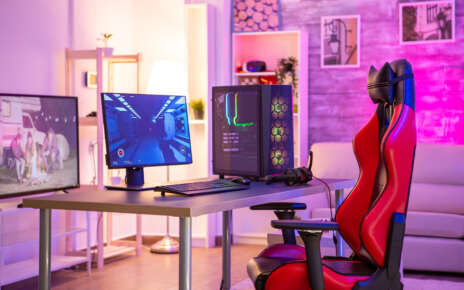
Are you an avid gamer looking to take your experience to the next level? With the right optimization, you can get the most out of your PC and game in high-definition with lightning-fast speeds. By following this guide, you will learn how to optimize your PC for the best gaming experience – from choosing a graphics card to accessing the control panel and game settings. So, let’s get started!
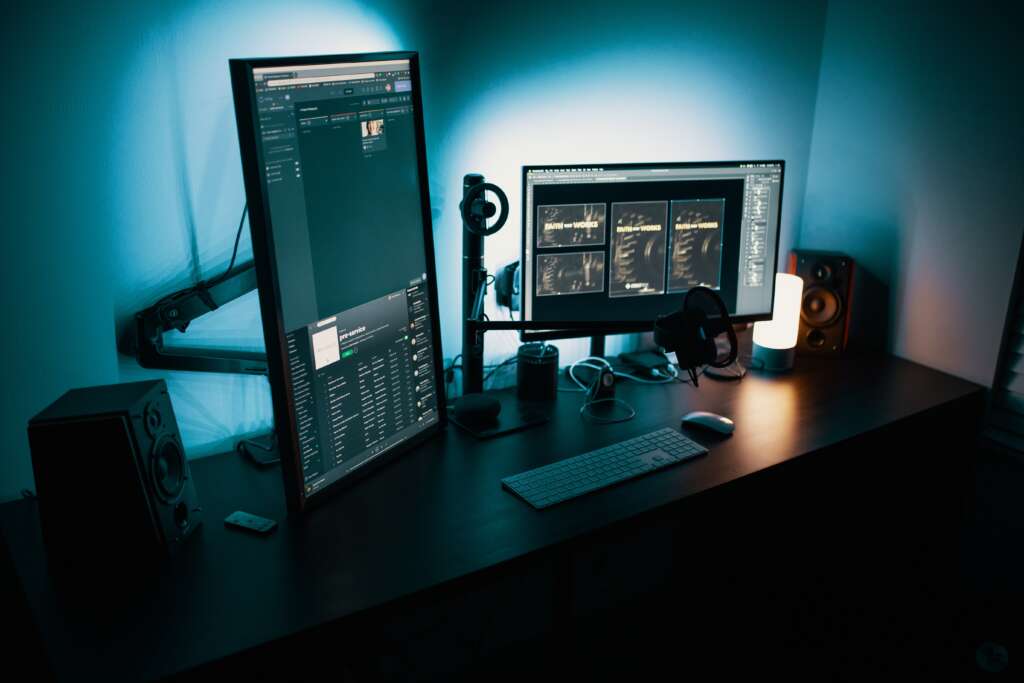
Why Optimize Your PC For Gaming?
Optimizing your PC for gaming is essential if you want to get the most out of your gaming experience. With the right optimization, you can unlock higher frame rates and faster refresh rates, allowing you to play modern games with improved performance and graphical effects. This can also reduce lag times, improve pointer precision, and increase processing power so that you can enjoy smooth and seamless gameplay.
Additionally, optimizing your PC for gaming can extend battery life on laptops, making it easier to game on the go without having to worry about recharging. Optimizing your PC will also ensure that you are using the latest GPU driver and advanced display settings so that you get the best visuals possible. So why not take advantage of all these benefits – optimize your PC for gaming today?
With the right optimization, you can unlock a world of gaming possibilities and enjoy smoother, faster, and more immersive experiences. Now let’s look into how we can maximize our frame rates for even better performance!
Frame Rates
Frame rates are an important consideration for any PC gaming enthusiast. A higher frame rate translates to smoother and more responsive gameplay, allowing you to enjoy the action without interruption or sluggishness. To get the most out of your gaming experience, it’s essential to have a good understanding of how frame rates work and how they can be optimized.
Frame rates are measured in frames per second (FPS) and represent the rate at which a game is rendered on-screen. Generally speaking, higher frame rates mean better performance as the game has more time to process each action. The ideal frame rate will vary depending on the game you’re playing, but most modern titles should aim for at least 60 FPS if possible.
To optimize your PC for gaming, you’ll need to make sure that your graphics card is up-to-date and that you’ve enabled any special gaming modes in your control panel. Additionally, you may want to tweak certain settings such as turning off shadows or reducing anti-aliasing if necessary. Finally, don’t forget to update your graphics driver regularly – this will ensure you always have access to the latest optimizations for improved performance. With a few simple steps, you can maximize your frame rate and enjoy smooth and immersive gameplay!
By understanding the basics of frame rate and how to optimize your system for gaming, you can ensure that you’re always getting the best performance out of your favorite titles. Now, find out what else there is to know about frame rate and how it affects your gaming experience!
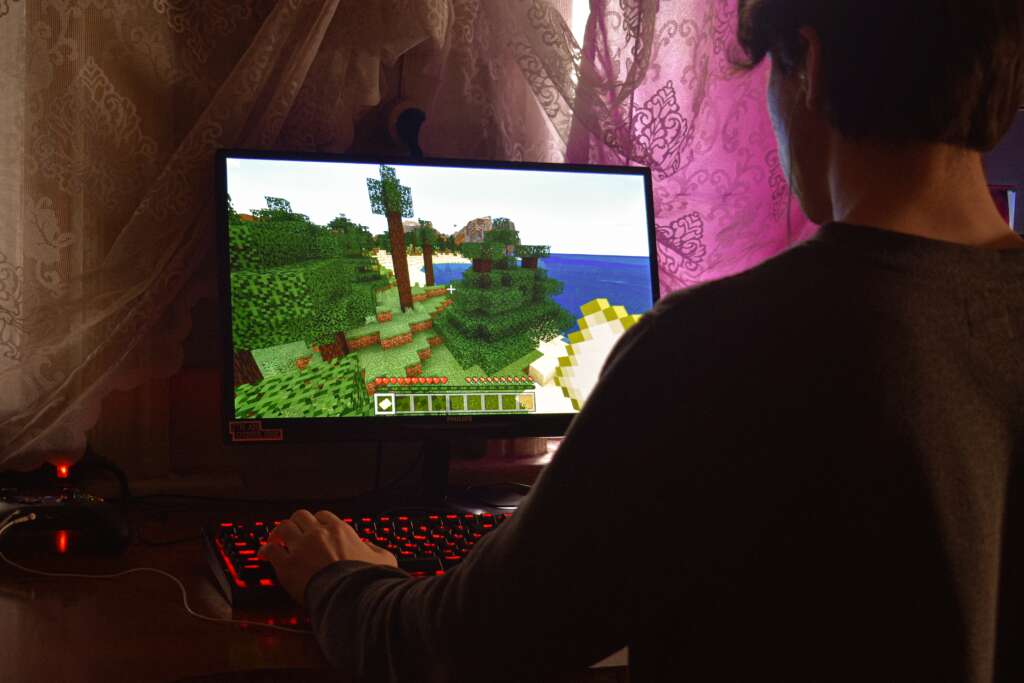
What is Frame Rate?
Frame rate is a measure of the number of frames that are being displayed by a computer in a given second. It is expressed as FPS (frames per second). Frame rate affects the smoothness and responsiveness of gameplay, as higher frame rates mean smoother and more responsive gaming experiences. Generally, modern titles should aim for at least 60 FPS to get the most out of their gaming experience. To optimize your frame rate, make sure your graphics card is up-to-date and enabled any special gaming modes in your control panel. Additionally, tweak settings such as shadows or anti-aliasing if necessary, and update your graphics driver regularly for better performance. By understanding how to optimize your system for gaming, you can maximize your frame rate and enjoy an immersive experience!
How to Increase Frame Rates?
Frame rate is an important measure of the quality of your gaming experience. To increase the frame rate, you need to optimize your system for gaming. This can be done by making sure your graphics card is up-to-date and enabling any special gaming modes in your control panel. Additionally, you can tweak settings such as shadows or anti-aliasing if necessary, and update your graphics driver regularly for better performance. Lastly, consider disabling unnecessary graphical effects as they can degrade your frame rate significantly. With these steps, you should be able to see a noticeable improvement in frame rate and overall game performance. By understanding how to optimize your system for gaming, you’ll be able to maximize the frame rates and enjoy an immersive experience!
Graphics Card
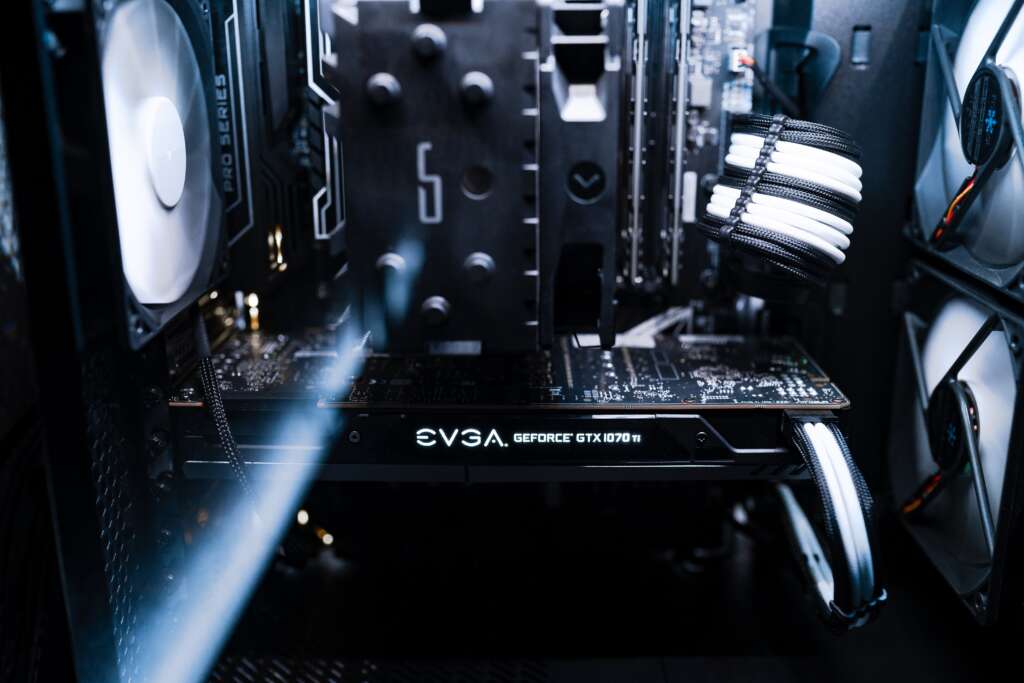
Graphics cards are an essential component in any gaming rig. A good graphics card is capable of providing the power necessary to run modern games at high settings, with smooth frame rates. When selecting a graphics card, it’s important to consider the processing power and memory capacity, as well as the refresh rate for smoother visuals. Additionally, some models come with special features such as pointer precision and advanced display settings for even better gaming performance.
To make sure you get the most out of your graphics card, be sure to keep your GPU driver up-to-date, and use the search box or search bar provided by your manufacturer to find the best settings for each game you play. With these steps, you should be able to enjoy a great gaming experience with improved visuals and reduced input lag!
A great graphics card is an integral part of any gaming setup, and with the right one, you can get the best performance out of your games. Stay tuned for our next article to find out exactly what a graphics card is and how it affects your gaming experience!
What is a Graphics Card?
A graphics card is a specialized component of a computer that processes and stores graphical data. It is responsible for providing the visuals you see on your screen when playing games, displaying images, or watching movies. Graphics cards are typically more powerful than integrated graphics processors found on motherboards, allowing for faster rendering of 3D images and higher frame rates in games.
Additionally, they provide better color accuracy and improved lighting effects, giving your visuals a more lifelike appearance. To get the most out of your graphics card, it’s important to make sure that you have an up-to-date driver as well as adequate cooling to prevent overheating. With these steps taken care of, you can enjoy an enhanced gaming experience with smooth visuals and improved performance!
How to Choose the Right Graphics Card for You?
Choosing the right graphics card for your gaming system is essential if you want to experience the highest quality visuals and performance. The first step is to consider your budget, as high-end graphics cards can be quite expensive. Once you’ve narrowed down your choices based on cost, it’s important to focus on factors such as the type of games you plan to play, the resolution of your monitor, and how often you upgrade components.
Additionally, consider whether or not a dedicated GPU will be necessary for certain tasks such as video editing or rendering 3D graphics. Finally, research various models and read reviews from other users so that you can make an informed decision. With these tips in mind, you should have no problem choosing the best graphics card for your gaming needs!
Processing Power
Processing power is one of the most important factors to consider when optimizing your PC for the best gaming experience. The higher the processing power, the faster and smoother your games will run. This is especially true with modern games that require more horsepower to achieve maximum performance. To increase your processing power, look for a powerful CPU with multiple cores and high clock speeds.
Additionally, make sure your RAM is up-to-date and able to handle large amounts of data quickly. Finally, if you’re using an older graphics card, consider upgrading it to take advantage of newer technology and improved performance. With the right hardware in place, you’ll be ready to enjoy an improved gaming experience!
The right hardware can make all the difference when it comes to optimizing PC gaming performance. Now that you know the importance of processing power, let’s dive into what it is and why it matters!

What is Processing Power?
Processing power is the amount of computational power of a computer or device. It is measured in millions of instructions per second (MIPS) and refers to the speed at which a device can carry out commands. The higher the processing power, the faster and smoother programs run. For example, more powerful processors can quickly crunch numbers, render visuals, and respond to user input. This makes them ideal for gaming as they are able to process information quickly and accurately, resulting in smooth gameplay with no lag or stutters.
Processing power can be improved by adding additional RAM and updating your graphics card drivers. If you want to get the most out of your gaming experience, it’s important to make sure your machine has enough processing power for modern games.
How to Increase Processing Power and Improve Performance?
Increasing the processing power of your device is a surefire way to improve its overall performance, especially for gaming. While you can upgrade certain hardware components to increase the processing power, such as adding more RAM or updating your graphics card drivers, there are also several software-based solutions that can help boost your device’s performance.
One of these solutions is enabling Game Mode in Windows 10. This feature allows the operating system to prioritize resources towards running games, which can lead to improved frame rates and better visuals when gaming. Additionally, if you have an NVIDIA GPU installed on your machine, you can access the Nvidia Control Panel to tweak and optimize settings for maximum graphical fidelity and performance.
Finally, take some time to adjust the game settings in each title you play. While it may be tempting to crank up all of the graphical effects at once, this will likely lead to a decrease in performance due to how taxing they are on hardware resources. Instead, try dialing back some of the effects until you find a good balance between visuals and frames per second (FPS). Doing so will ensure that you get the most out of your gaming experience without sacrificing too much in terms of graphical quality.
Control Panel and Game Settings
The Control Panel and game settings options in Windows 10 can be used to optimize your gaming experience. In the Control Panel, you can access advanced display settings, search boxes, and additional power settings that allow you to configure the refresh rate and pointer precision of your device. NVIDIA GPUs have their own control panel, where users can tweak and optimize graphics settings for maximum visual performance.
When it comes to game settings, adjusting each title’s graphical effects is important for getting the most out of your gaming experience. Try dialing back some of the effects until you find a good balance between visuals and frames per second (FPS). Doing so will ensure that you get the most out of your gaming experience without compromising too much on visuals. Additionally, look into enabling Game Mode in Windows 10 as this feature prioritizes resources towards running games which may lead to improved FPS and better visuals when gaming.
By tweaking and optimizing both the Control Panel and game settings, you can ensure that you get the best gaming experience possible. Get ready to dive deep into understanding what the Control Panel and Game Settings are all about – it’s time to take your gaming experience to the next level!
What are the Control Panel and Game Settings?
The Control Panel and game settings options in Windows 10 are powerful tools for optimizing your gaming experience. The Control Panel gives users access to advanced display settings, search boxes, and additional power settings that allow you to configure the refresh rate and pointer precision of your device. NVIDIA GPUs have their own control panel, where users can tweak and optimize graphics settings for maximum visual performance.
When it comes to game settings, adjusting each title’s graphical effects is important for getting the most out of your gaming experience. By tweaking and optimizing both the Control Panel and game settings, you can ensure that you get the best gaming experience possible.
How to Access and Use the Control Panel and Game Settings for Optimal Performance?
Accessing and using the Control Panel and game settings can help you optimize your gaming experience. To access the Windows 10 Control Panel, simply type “Control Panel” into the search bar on your taskbar. Here you will be able to configure your display settings, power settings, and more. NVIDIA GPUs have their own control panel that can be accessed through the search bar as well. This control panel offers users advanced graphics options such as setting a maximum framerate, enabling V-Sync, or adjusting anti-aliasing levels for optimal performance.
When it comes to game settings, each title will have its own settings menu where you can adjust graphical effects such as texture quality, lighting effects, and shadow quality. Some games may also offer preset or custom graphics profiles that allow users to adjust several settings at once for maximum performance. If you are using a laptop for gaming purposes, you may want to consider configuring battery life optimization in order to conserve energy while still getting the best gaming experience possible. By tweaking the Control Panel and game settings, you can ensure that your PC runs at peak performance when playing modern games.
Modern Games and Advanced Display Settings
Modern games require more advanced graphics settings than ever before. To get the most out of your gaming experience, it is important to use the most advanced display settings for your device. This can be done by accessing the Windows 10 Control Panel or in some cases by using an NVIDIA control panel. In the Control Panel, you may find options such as setting a maximum framerate, enabling V-Sync, or adjusting anti-aliasing levels.
Additionally, each game will have its own settings menu where you can customize graphical effects such as texture quality, lighting effects, and shadow quality. Some titles even offer preset or custom graphics profiles that allow users to adjust several settings at once for maximum performance. By making sure your PC is optimized with modern graphics settings and a powerful processor, you can enjoy enhanced visuals and improved gaming performance.
By utilizing modern graphics settings, users can ensure their gaming experience is as immersive and enjoyable as possible. Ready to take your gaming to the next level? Learn how to leverage modern games and advanced display settings for an improved gaming experience in our next section!
How to Leverage Modern Games and Advanced Display Settings for Improved Gaming Experience?
Modern games feature advanced graphics settings that can be adjusted to ensure an optimal gaming experience. By taking advantage of these settings, users can enjoy enhanced visuals and improved performance. To do this, access the Windows 10 Control Panel or NVIDIA control panel where you can adjust options such as setting a maximum framerate, enabling V-Sync and anti-aliasing levels.
Additionally, each game will have its own settings menu which may allow you to customize graphical effects such as texture quality, lighting effects and shadow quality. Furthermore, some titles offer preset or custom graphics profiles that enable users to quickly adjust several settings at once for maximum performance. With the right configuration, gamers can leverage modern games and advanced display settings for an immersive and enjoyable gaming experience.
Conclusion
To conclude, optimizing your PC for the best gaming experience requires careful consideration and customization. By utilizing advanced display settings such as framerate, refresh rate, V-Sync, anti-aliasing levels and game profiles, gamers can maximize their performance and enjoy an immersive gaming experience. Additionally, investing in a reliable gaming laptop or rig with powerful processing power and graphics card will also ensure optimal game performance. Overall, with the right hardware and software configuration users can optimize their PCs for the best gaming experience possible.